
Community
The community catalog is where you browse packages published online by everyone.
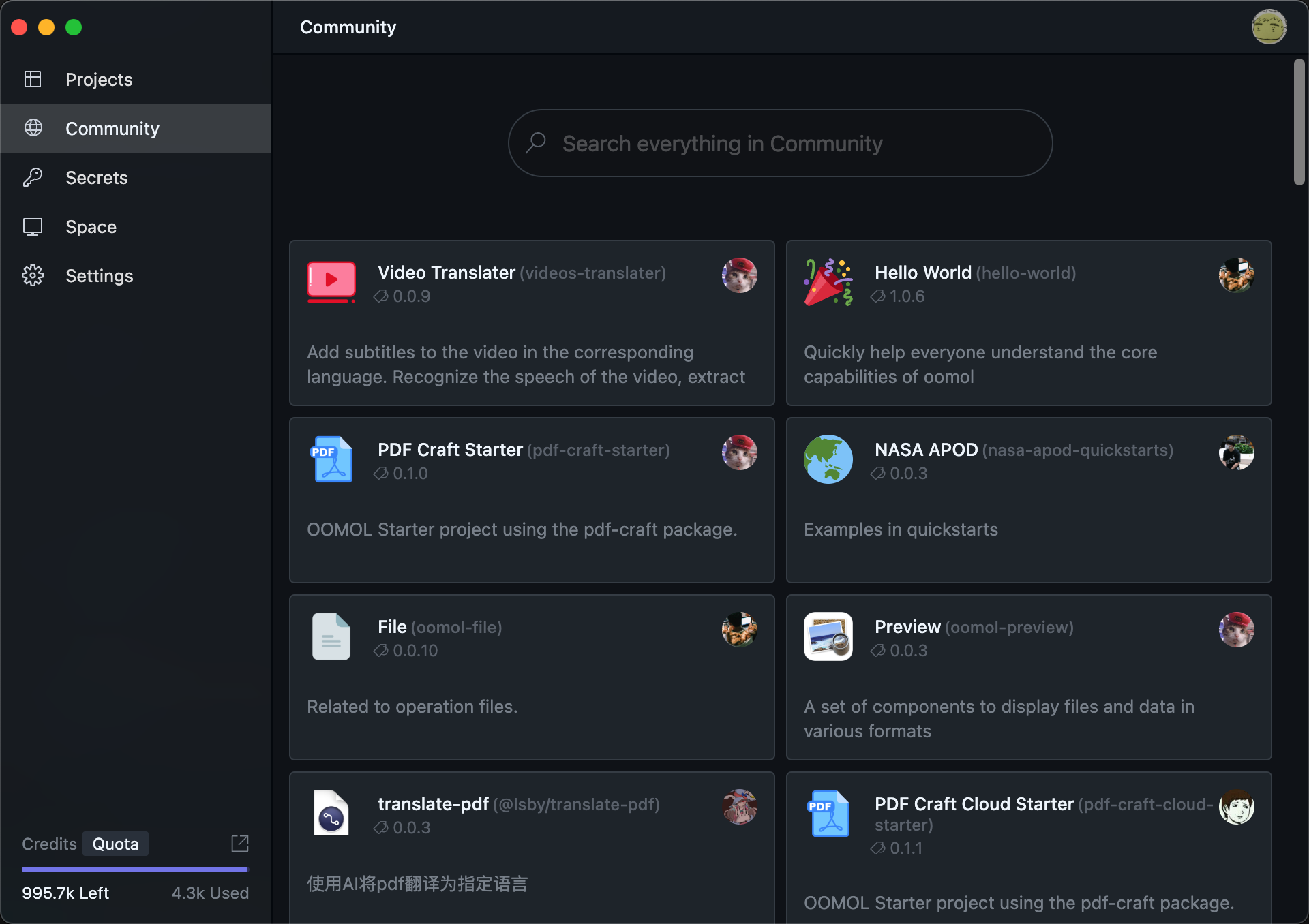
After clicking on any package, you can view its detailed information.
The page includes flow previews, package docs, descriptions, version information, and related publishing details.
Depending on how the package was published, the open button may behave differently.
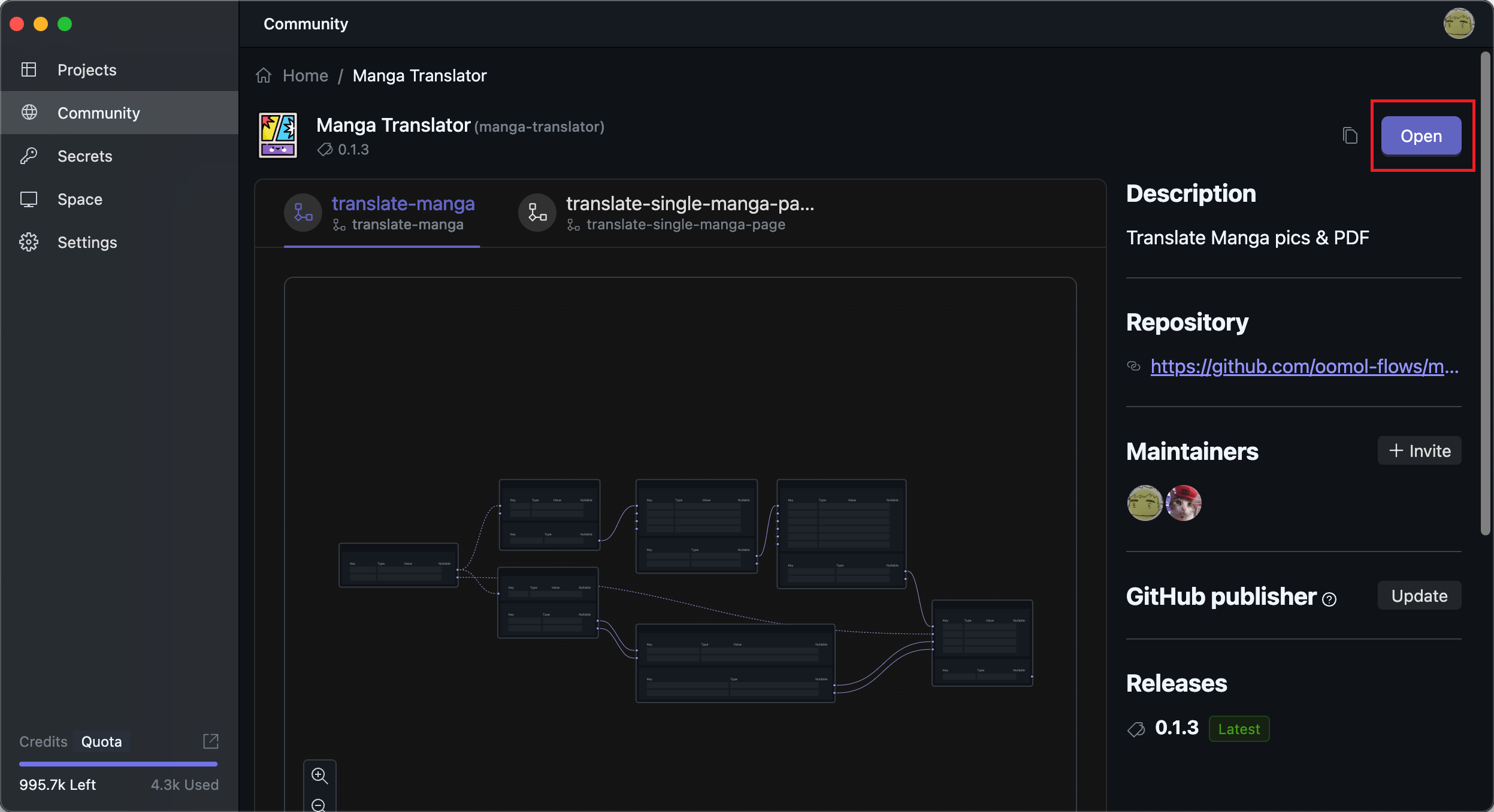
Clicking the button opens the project locally. If it was published as a template, it includes the full project and is ready for further editing. Otherwise, the opened project contains only the flows.
GitHub Publisher
In actual engineering development, a more common way to update and publish is to publish automatically after code updates.
OOMOL Studio supports GitHub Actions, so you can publish automatically when code changes.
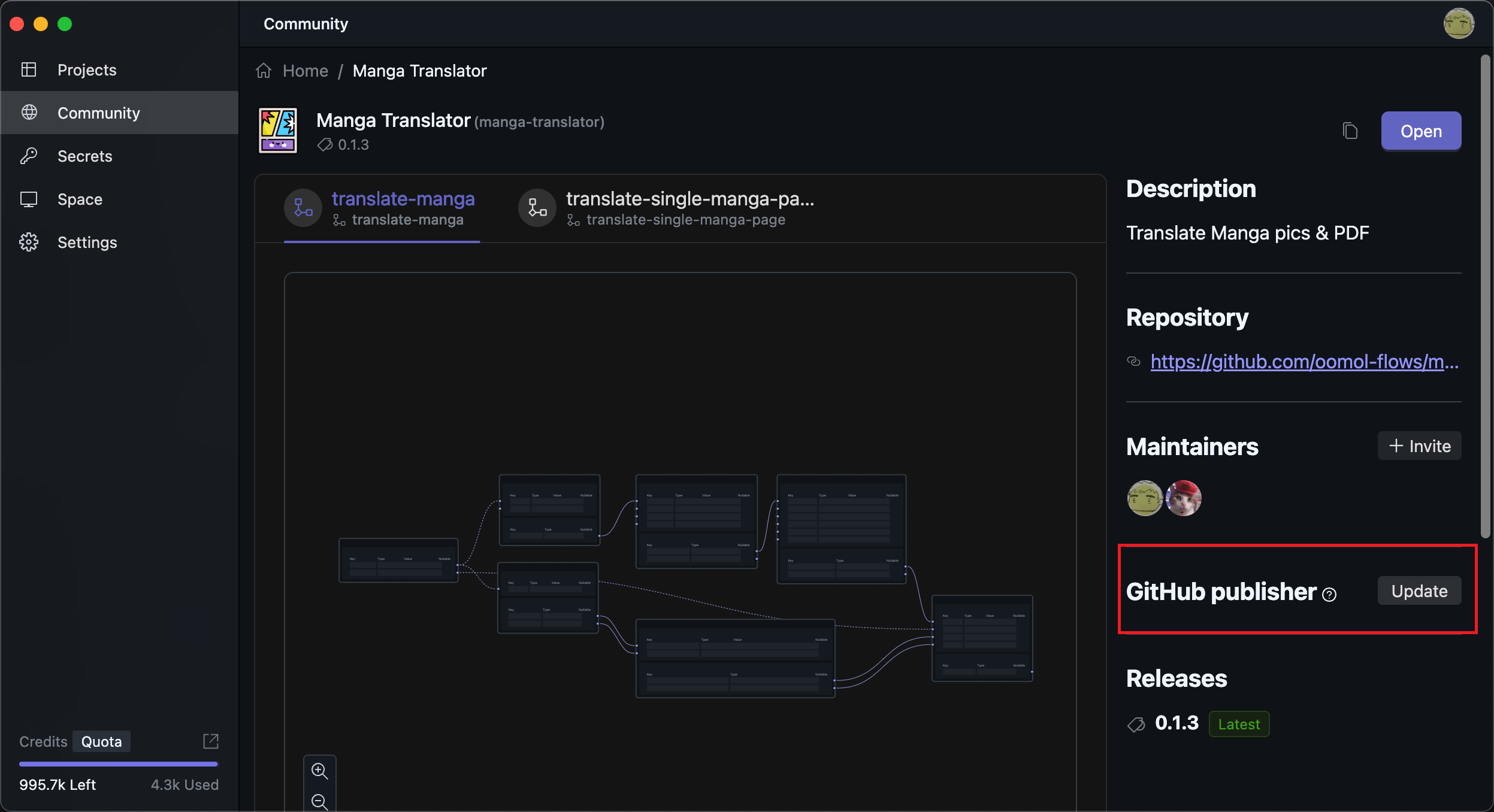
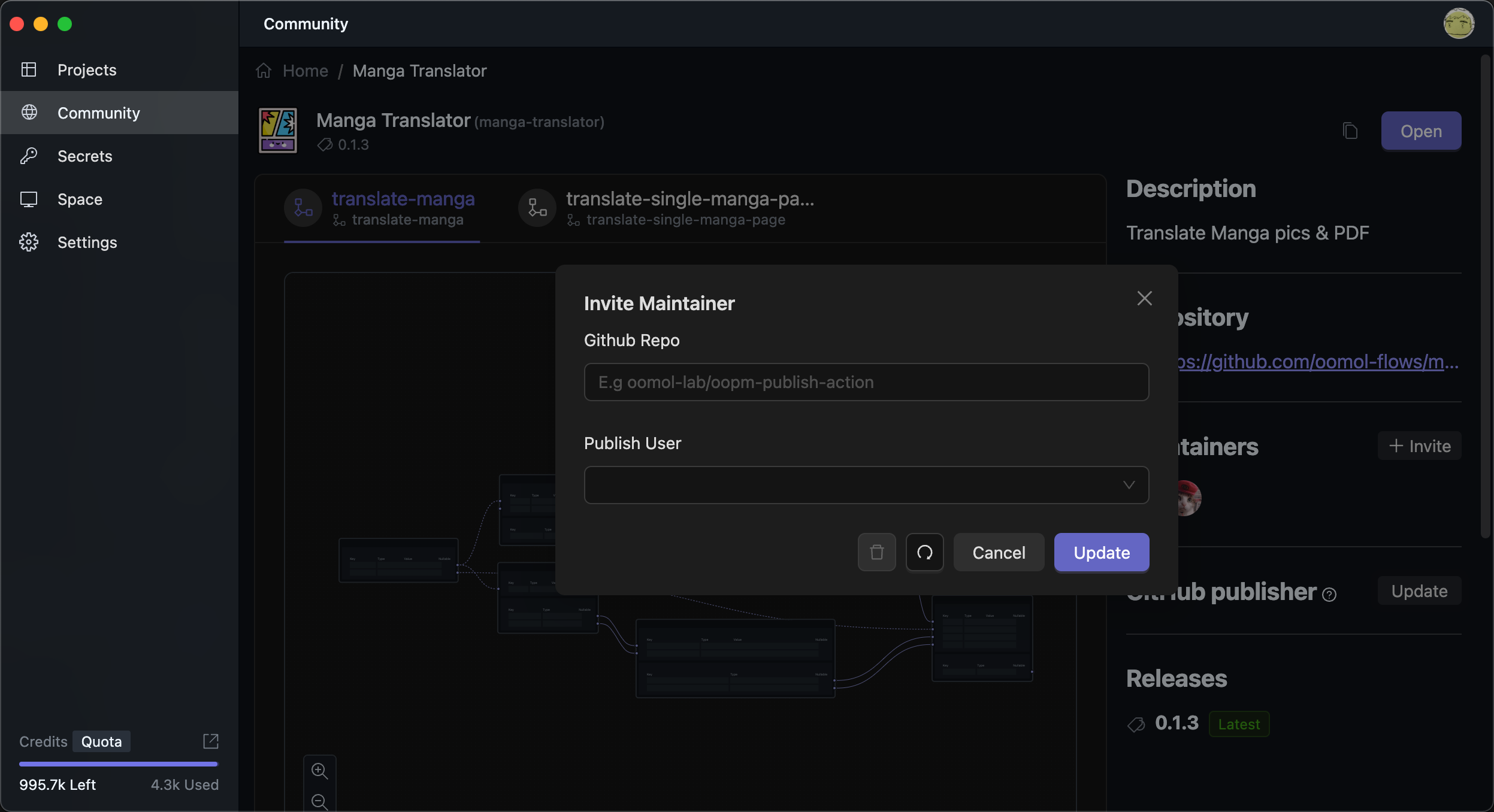
The GitHub repository field should contain your repository name. After you configure the publisher account, published packages will show that user as the publisher.
You also need to configure the corresponding workflow in your GitHub repository. You can use the example project as a reference.
Collaboration
This feature is only available to paid subscribers. You can enter OOMOL Console through the button at the bottom left of the application homepage, then change your subscription plan in the Console.
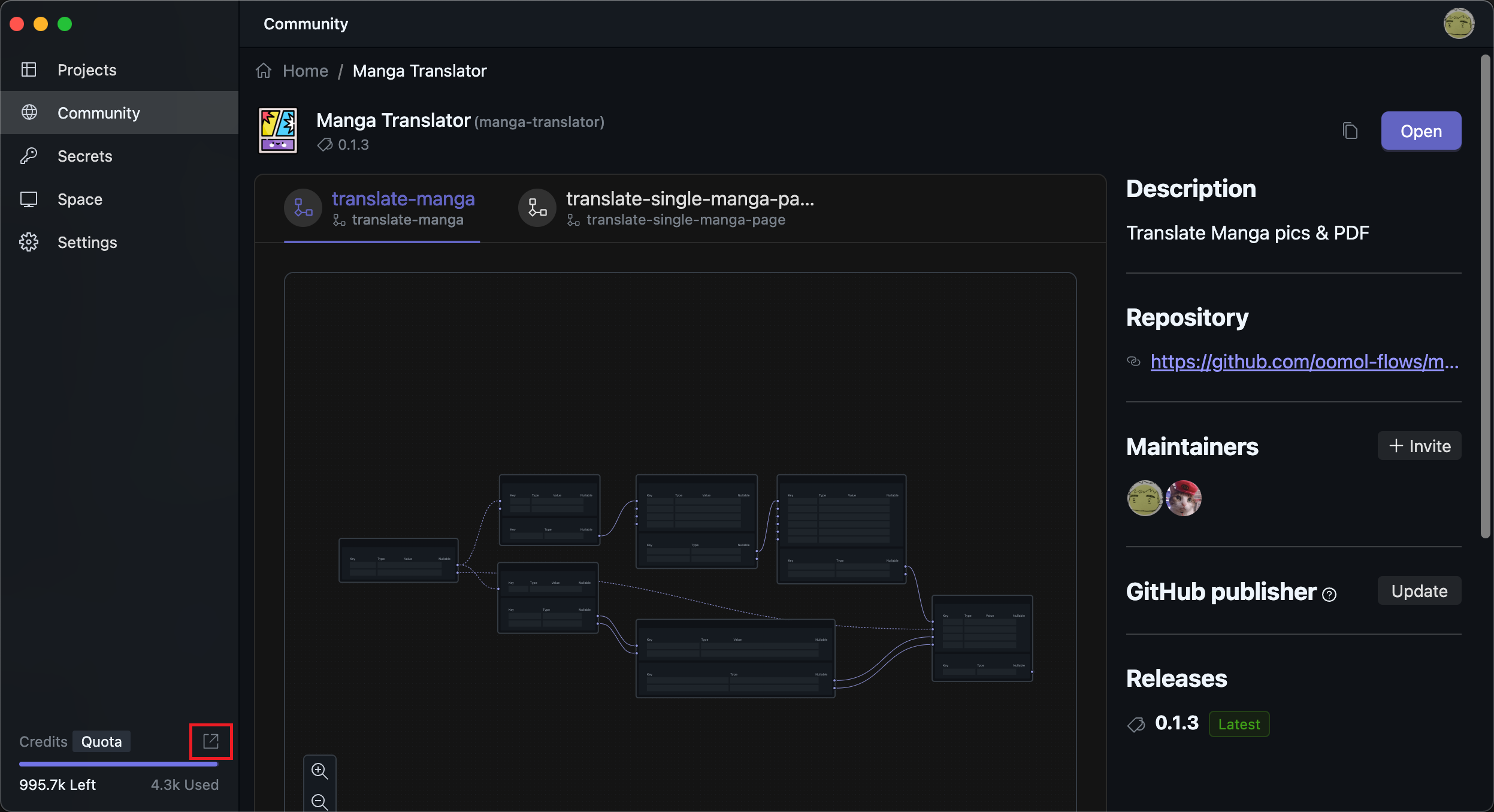
By default, if you have already published a package, only you can publish new versions of that package.
If you need to allow other users to have publishing permissions, you can invite other users to become maintainers.
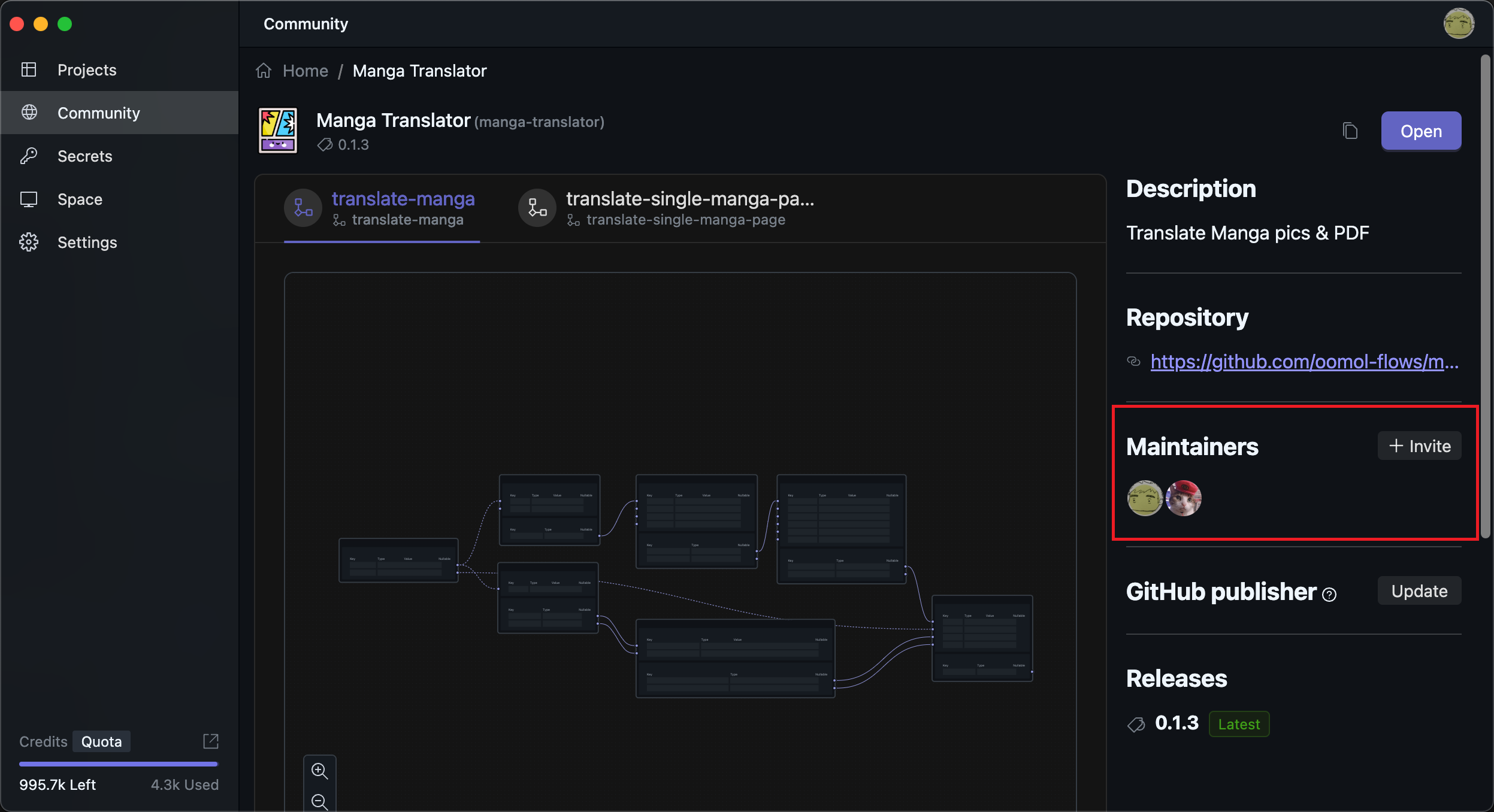
After clicking the Invite button, you can search for users and generate an invitation link. Send the invitation link to the specified user to let them accept becoming a maintainer.
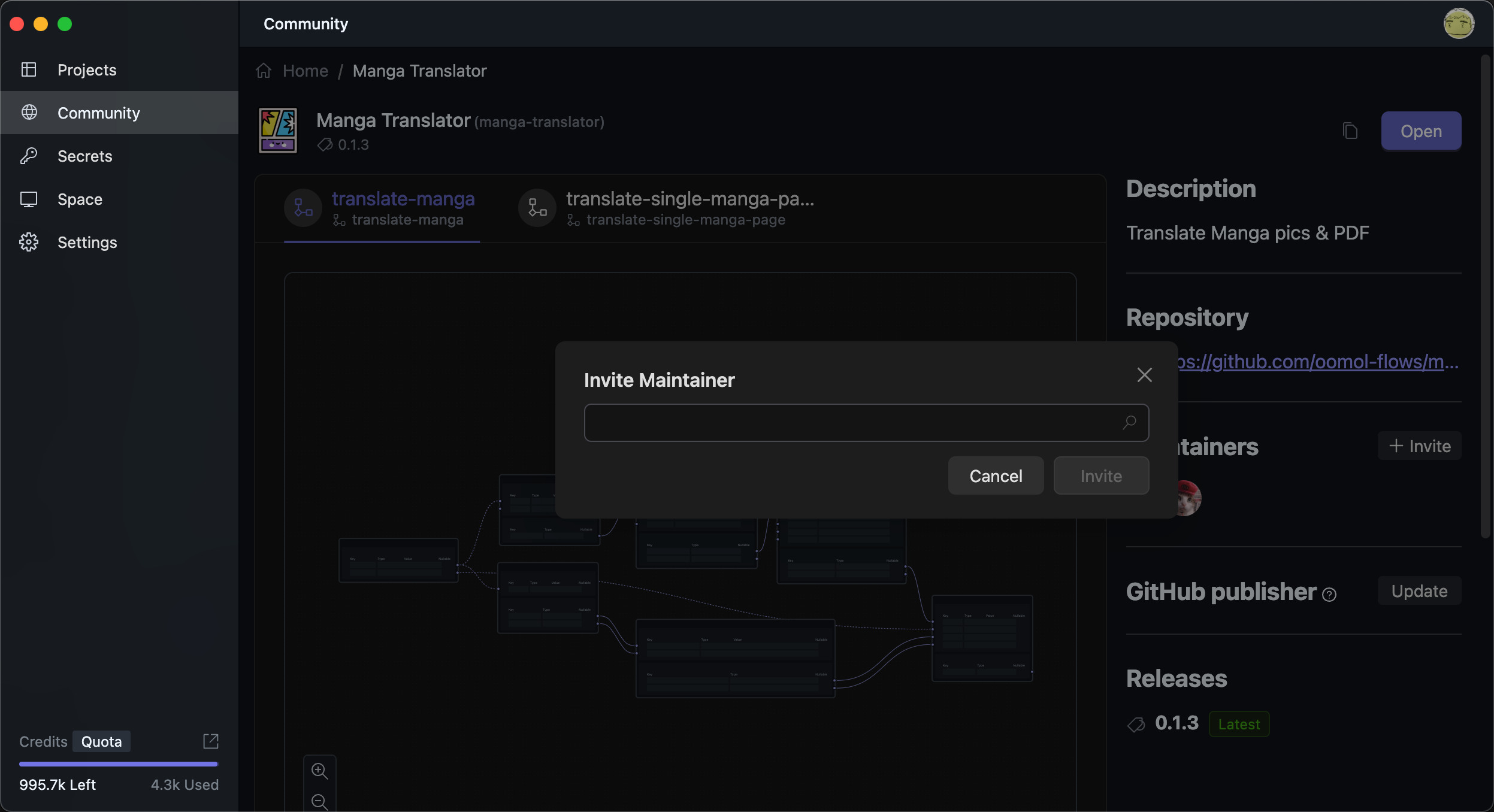
All maintainers have the same permissions. Please make sure you invite the correct users.