
Project
A project is where work begins in OOMOL.
When you want to accomplish something with code, such as sending an email automatically, you start by creating a project. From there, you can build it yourself or build on work shared by the community.
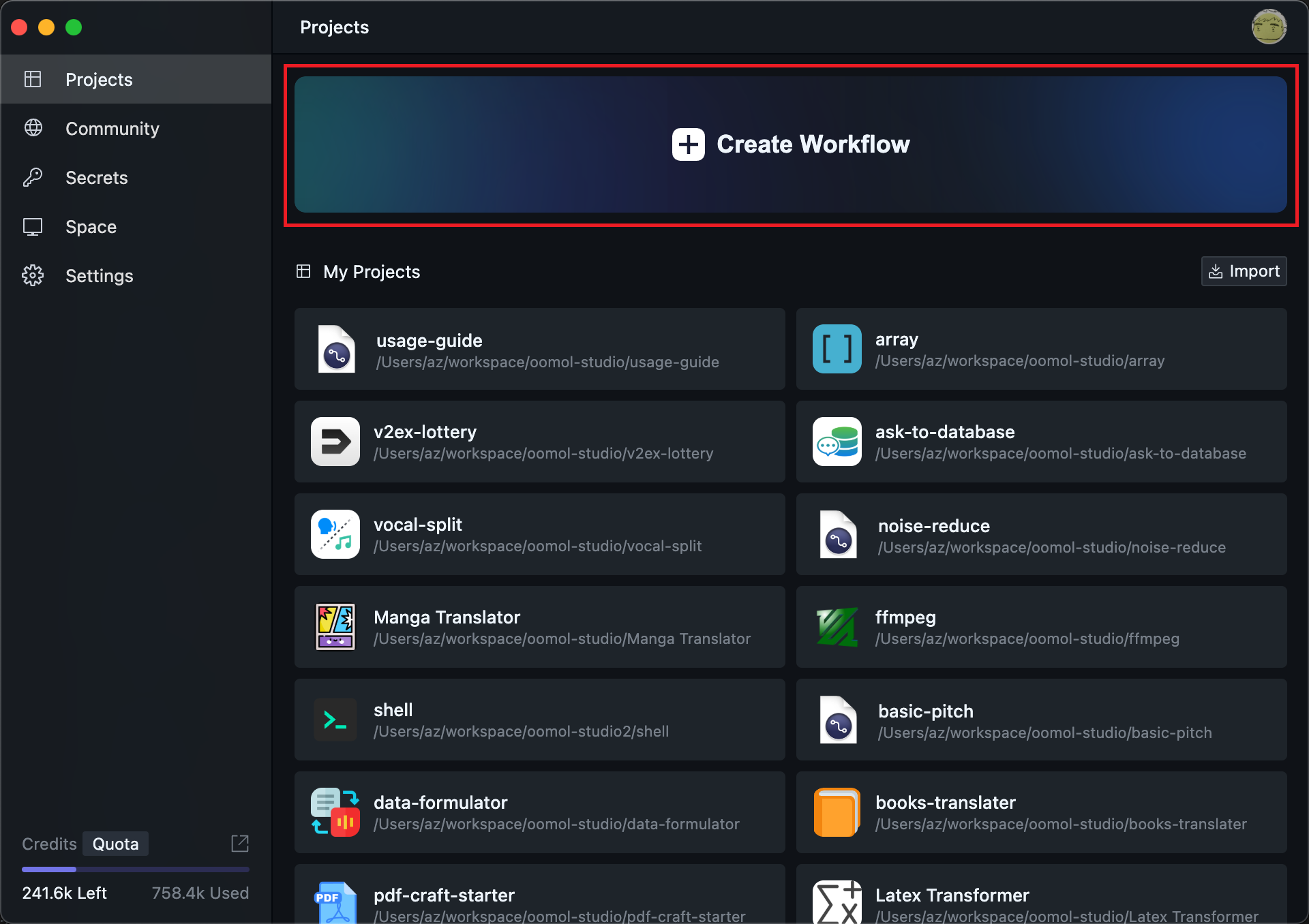
You can create a project from scratch:
Sometimes the community has already built something close to what you need, so you can start from a community project:
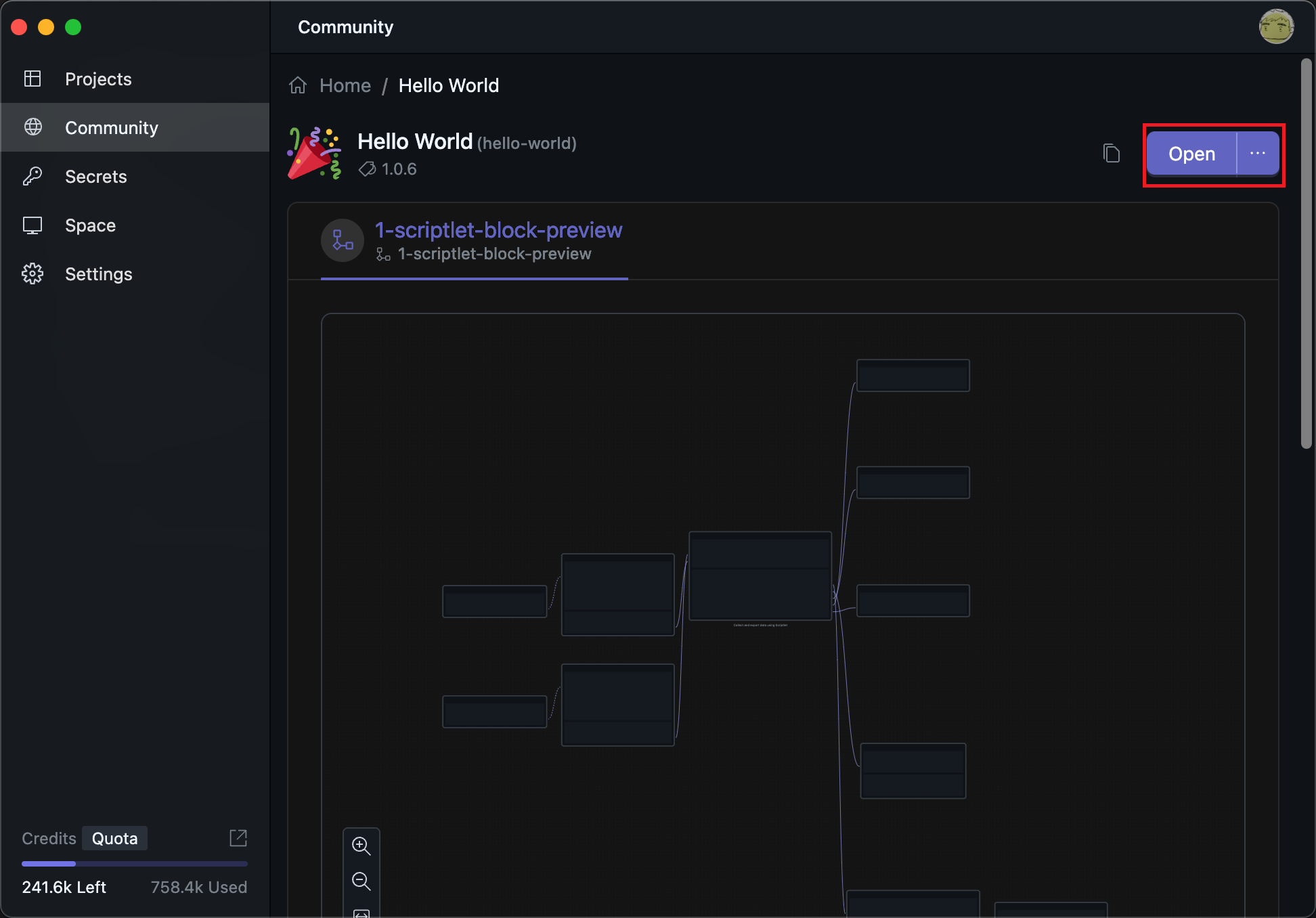
The difference is that a project opened from the community already contains runnable workflows, so you can either use them directly or adapt them with small changes.
Project Structure
No matter how you create a project, you will end up on the project editing page. The lower-left area shows the file list:
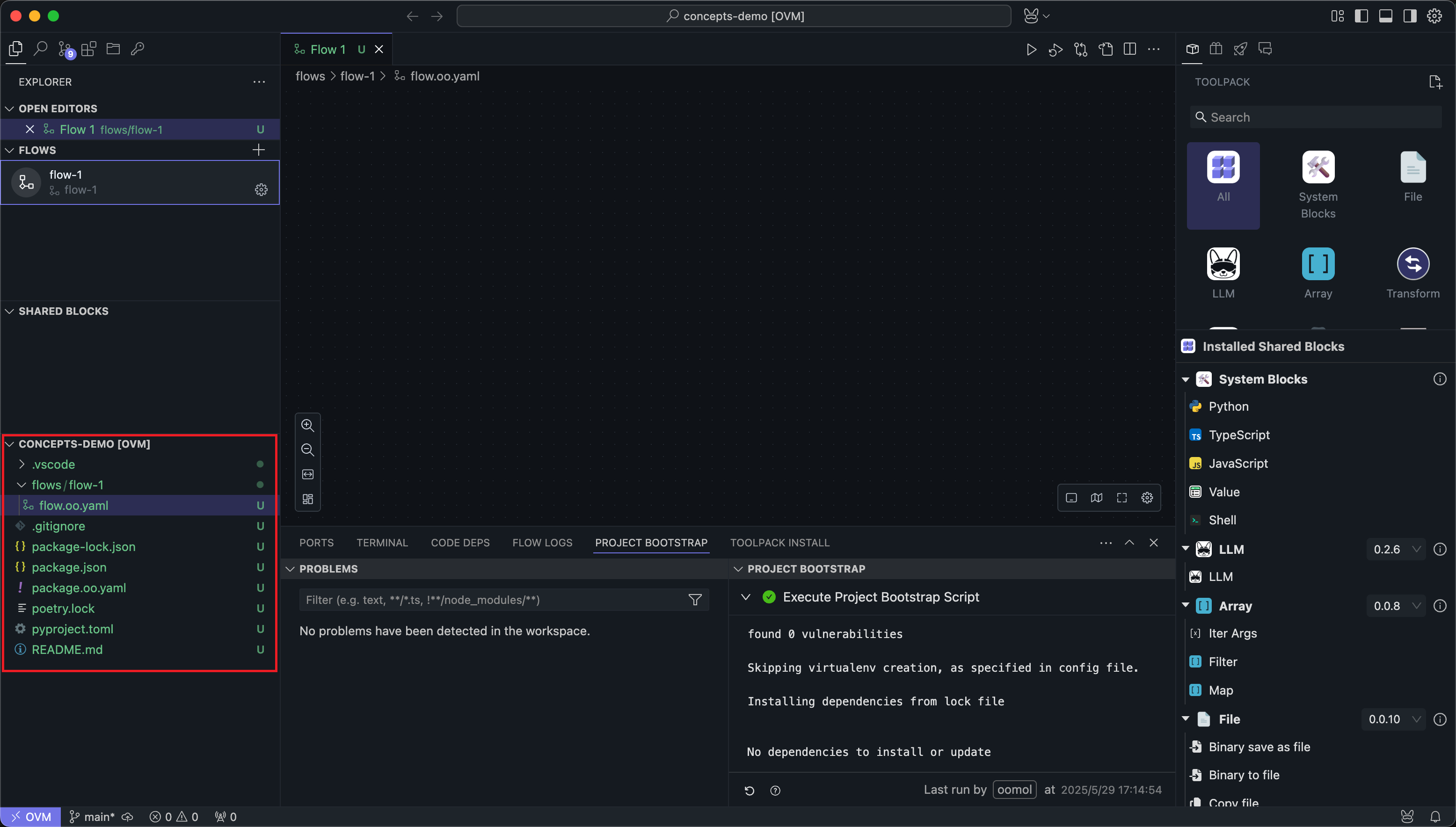
These files are the actual contents of the project. Every project must have a package.oo.yaml file at its root. That file describes the project version, bootstrap script, and other metadata.
OOMOL Studio also determines whether the current folder belongs to an OOMOL project based on the package.oo.yaml file.
There are several OOMOL Studio-specific folders within the project:
Flows
Used to store description files for Flows. A project can have multiple Flows, and each Flow will be stored separately in a folder named after the Flow name.
tasks
Used to store files related to task Blocks. A project can contain multiple task Blocks, and each task Block will be stored separately in a folder named after the Block name.
subflows
Used to store files related to subflow Blocks. A project can contain multiple subflow Blocks, and each subflow Block will be stored separately in a folder named after the Block name.
slotflows
Used to store workflow files created for slot implementations. A slotflow is usually authored while configuring a slot of a subflow Block inside a caller Flow, and each slotflow is stored separately.
If your project uses subflow slots heavily, this directory is where those per-slot implementations will appear.
Most actions you perform in the OOMOL Studio UI are saved back to these files automatically. For that reason, we do not recommend manually deleting project files unless you know exactly what you are doing. Direct file edits can leave the application in an inconsistent state.